
Compare inspected objects
Hold one object in Object Inspector while exploring another object in the Visual Components layout.
Keep one reference while exploring
Use a fixed Inspector reference when you need to compare a known object with nearby objects or check whether a second object has the same geometry or properties. The VC selection can change independently until you ask Inspector to inspect it.
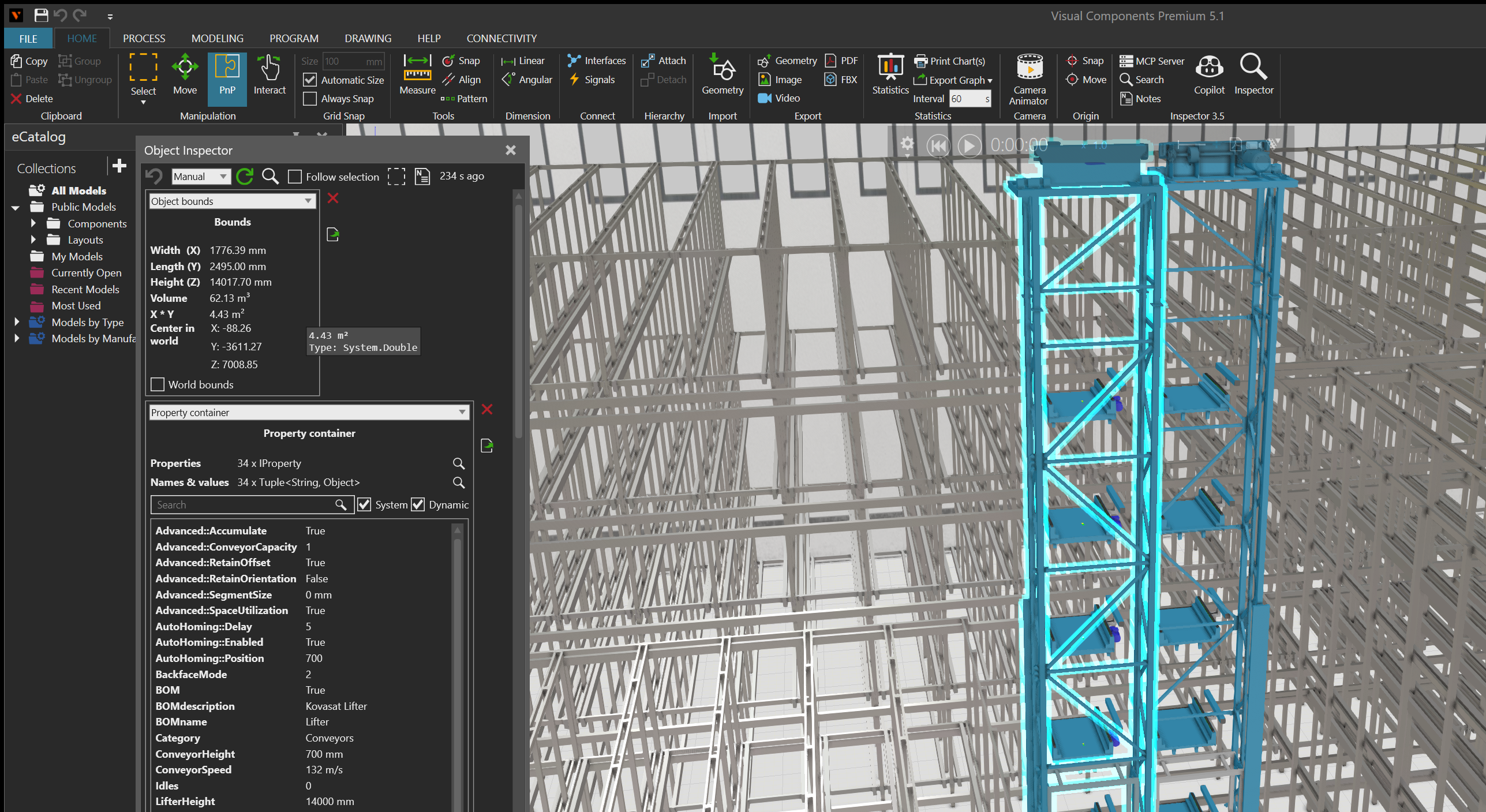
Steps
- Select the object you want to use as the reference and open Object Inspector.
- Choose a gadget that answers the investigation question, such as Object bounds for dimensions and world center.
- Clear Follow selection in the Inspector toolbar.
- Select another object in the VC layout. The VC selection changes, but the Inspector continues to show the held reference.
- Compare the current VC selection with the values for the held reference.
- When you are ready to change the reference, select the magnifying-glass button beside the refresh control to inspect the current VC selection.
Return or hand off the reference
- Use the back button to return to an earlier inspected object. The mouse back and forward buttons also move through the inspection history.
- Use the select button to make the held inspected object the current VC selection when the object is still valid and selectable.
- Use the Notes button to create a note with a reference to the held object before continuing the investigation.
Result
The Inspector and VC selection can represent different objects while follow mode is cleared. Re-enable Follow selection when the panel should track each later layout selection automatically.